First start
The image creates no account and has no default password. The first administrator comes from one of these, right after the first start.
Single sign-on (OpenID Connect)
Set OIDC_SERVER_URL, OIDC_CLIENT_ID and OIDC_CLIENT_SECRET, and
preferably HOUSECAIRN_BOOTSTRAP_ADMIN_EMAIL. The first person to sign in
through the provider becomes the instance administrator; if the address is
set, only an identity with that verified address can. See
Single sign-on.
A local account
Create it from the command line:
docker compose exec housecairn python -m housecairn.entrypoint manage createsuperuser
Local sign-up from the web page stays closed unless
HOUSECAIRN_SIGNUP_OPEN=true.
Sign in
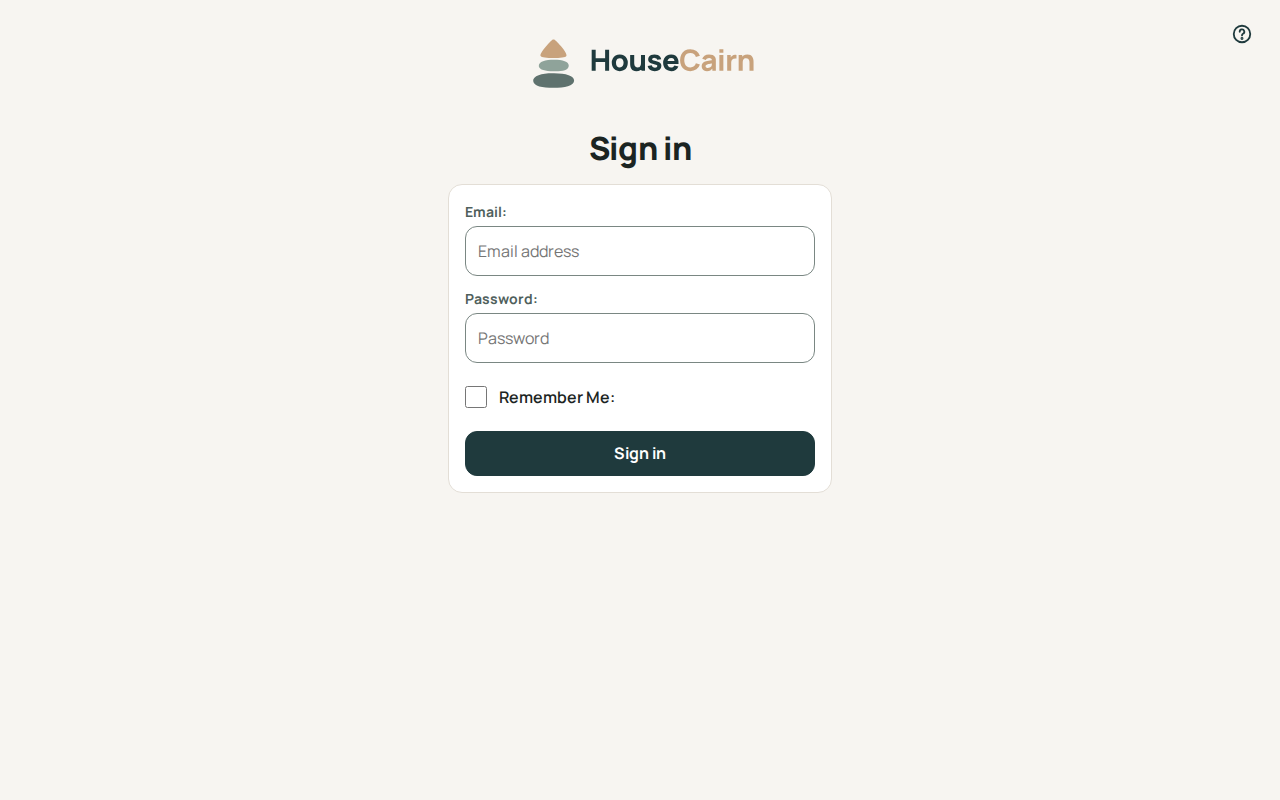
Open the address of your instance and sign in with the account you created.
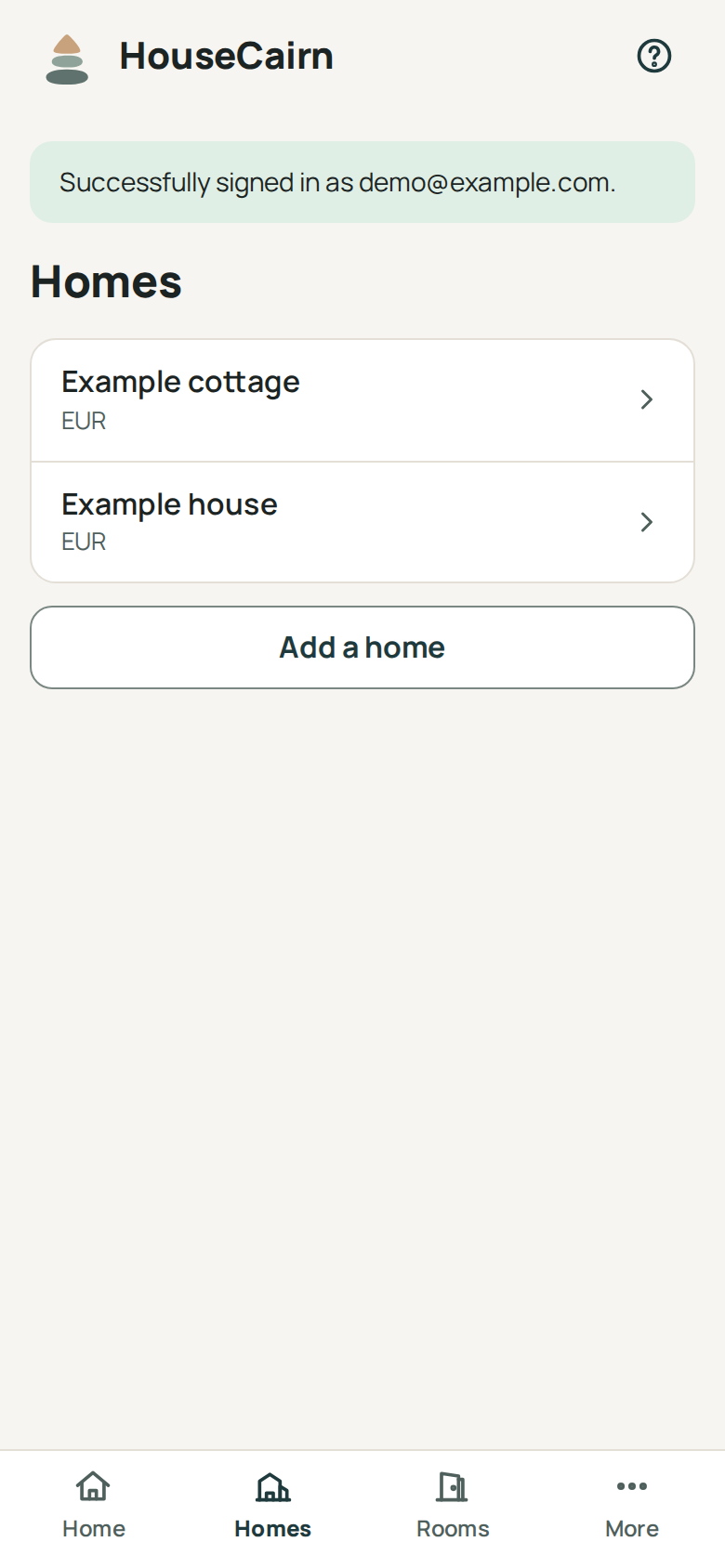
After signing in, HouseCairn shows the list of your homes. A new instance has none, and there is no screen to create one yet; the screenshot below comes from a demonstration instance.