Invitation
The page an invitation link opens, at /invitations/<link>/. It names the home
and the role you are invited with.
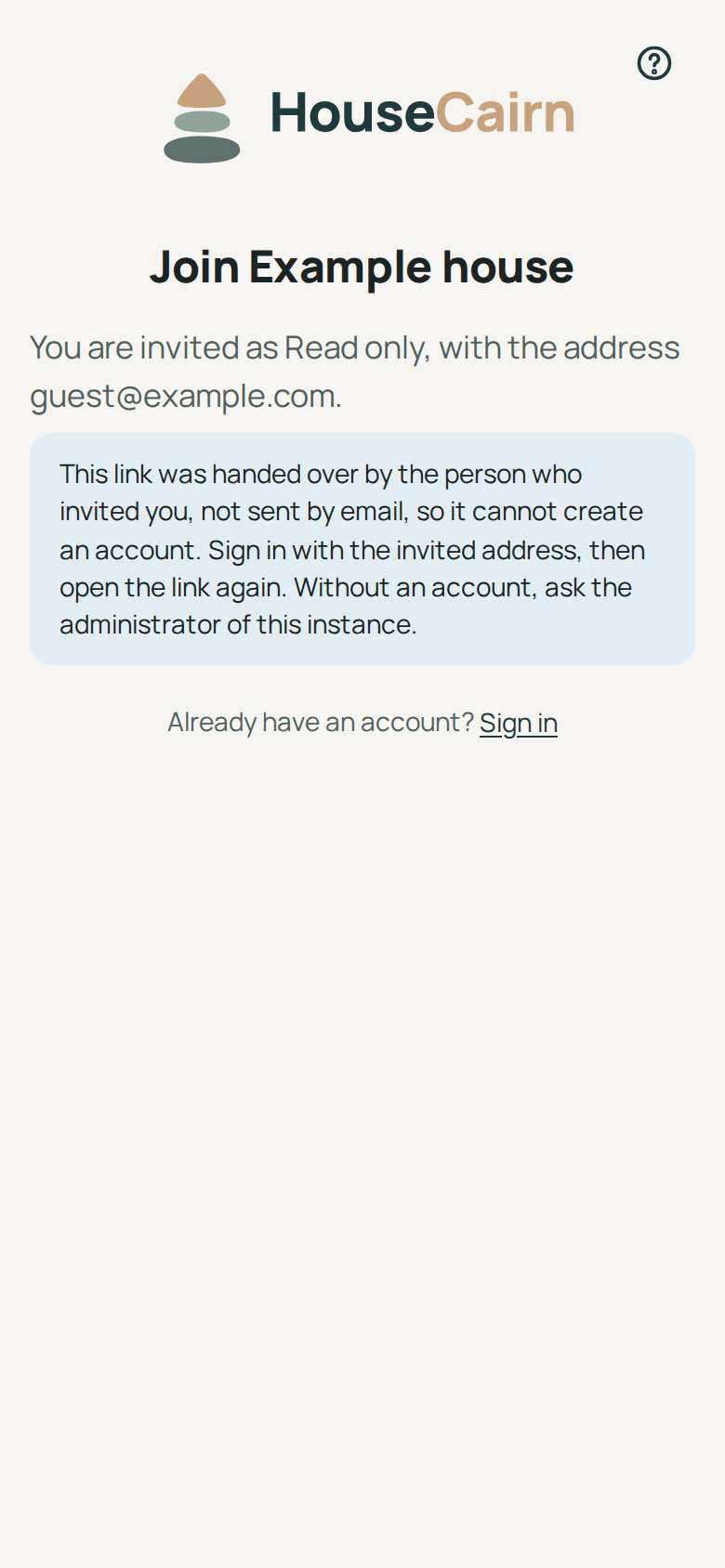
No account yet: choose a password and Create the account and join. The account takes the invited address, which the link has just proved. This works for a link that came by email; a link the person who invited you passed on by hand cannot create an account (the page says so, and says nothing about whether the address has one): sign in with the invited address, or ask an administrator of the instance.
An account already: Sign in, then come back to the link and Join the home. You can also continue with the instance’s single sign-on, if the provider confirms the invited address.
The link works once. A link that was used, revoked, replaced by a newer one or has expired opens a page saying it no longer works, without any detail: ask the person who invited you to send it again. Only the account with the invited address can accept; signed in with another one, sign out first.