Sign-in
The page is the form, with your email address and password, and under it one button for the single sign-on provider, if the instance has one. Nothing else: no list of options.
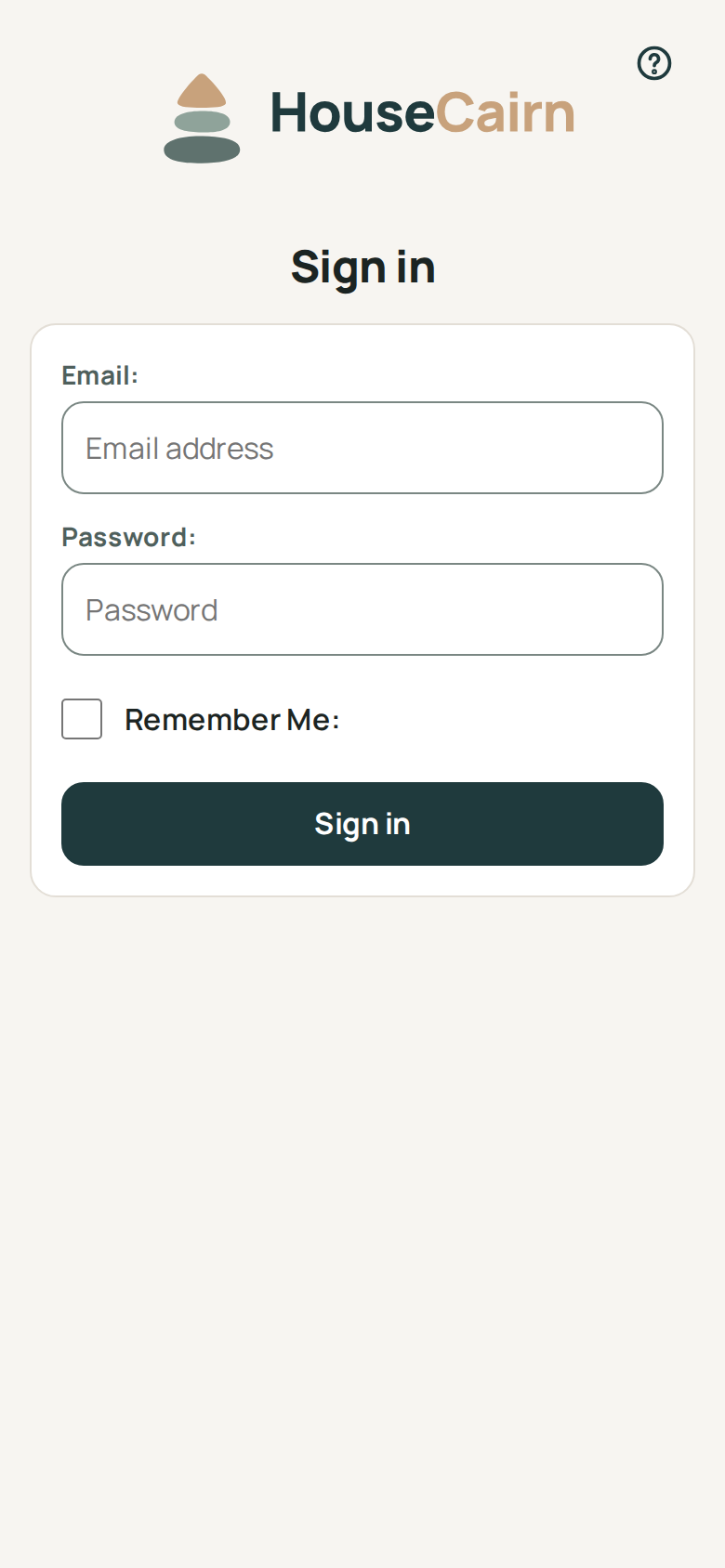
With a passkey
There is no passkey button. Tap or click the email field: if you registered a passkey for this instance, your browser lists it among the suggestions, and choosing it signs you in. Safari, Chrome, Edge and Firefox do this on the devices whose password manager or system keeps passkeys.
A browser without that feature shows a Use a passkey button under the field as soon as something is typed in it. It shows for any address, so the page never reveals which addresses have an account or a passkey.
Register a passkey from More, Account security, Security keys. Tick Passwordless if the passkey should be enough to sign in on its own.
With single sign-on
When the administrator has set up an OpenID Connect provider (Single sign-on), a button below the form reads Continue with and the name of that provider, for example Continue with Company SSO. There is one per provider.
Forgotten password
The link Forgot your password? under the password field appears only when the administrator has set up outgoing email (Email). Without it, the instance could not send the reset message: the link and the reset page are not there, and the administrator has to set a new password.
Creating an account
A link to sign up appears only when local sign-up is open
(HOUSECAIRN_SIGNUP_OPEN=true); otherwise the page does not mention it.